OpenShackby DL2CCShop

OpenShack apps · Your next CW goal

OpenShack Morse Trainer

Morse and CW apps.
For your phone.

From your first character to confident callsign copy: OpenShack Morse Trainer helps you practice receiving and sending. Koch lessons, free practice and MorseChat in one app, plus Morse Decoder and Morse Sender on Android.

For Android, iPhone and iPad · English app interface

  • No subscription
  • No ads
  • No hardware needed to listen
Inside Morse Trainer
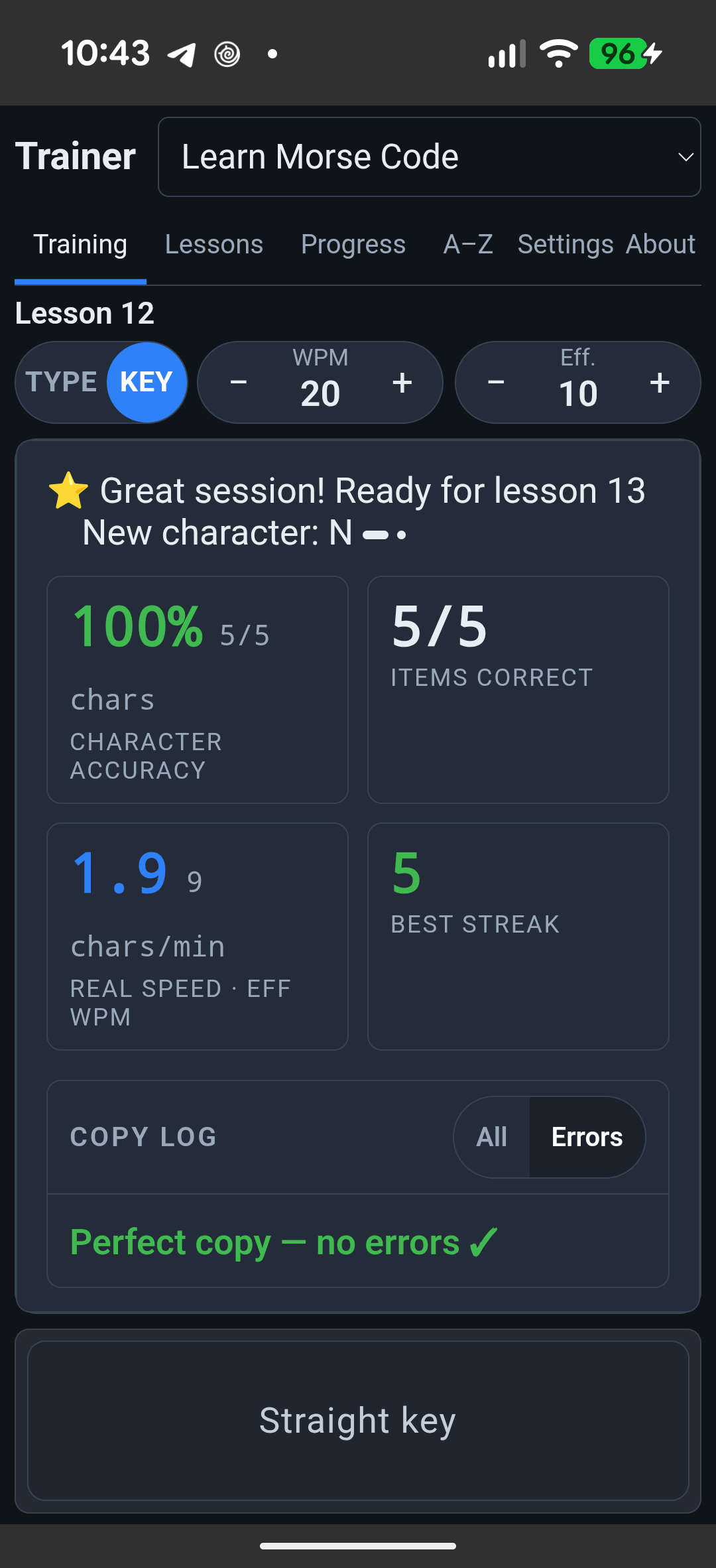
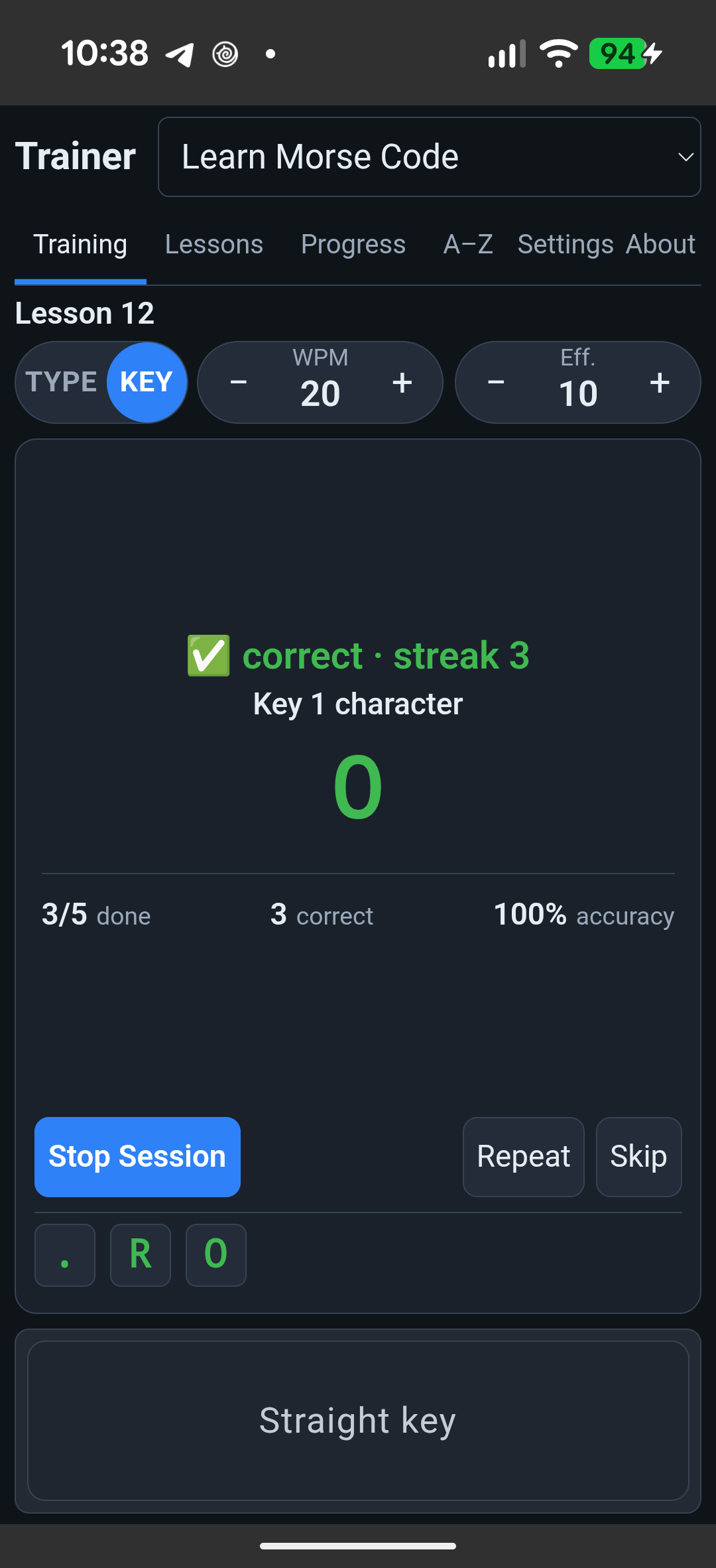
Morse Trainer on Android: active lesson 12 sending practice with three correct answers
Practice sending
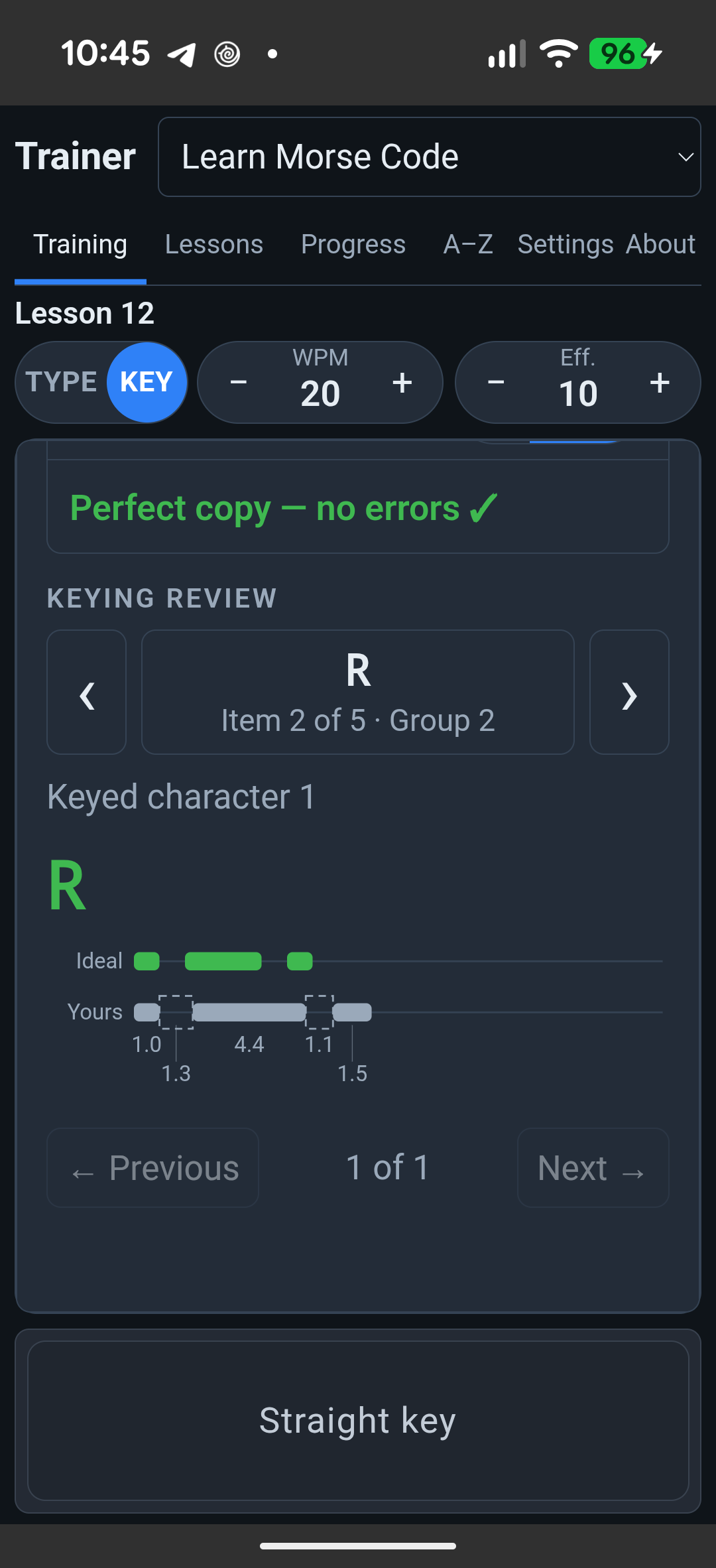
Morse Trainer on Android: real R keying analysis with Ideal, Yours and measured lengths
Analyse your keying

Real practice on Android · Open images to enlarge

OpenShack Morse Trainer

Five ways to practice.

You do not need to know Morse to start. Already on the air? Set up practice around the skills you want to improve. Morse Decoder and Morse Sender are currently in the Android app.

01

LEARN MORSE CODE

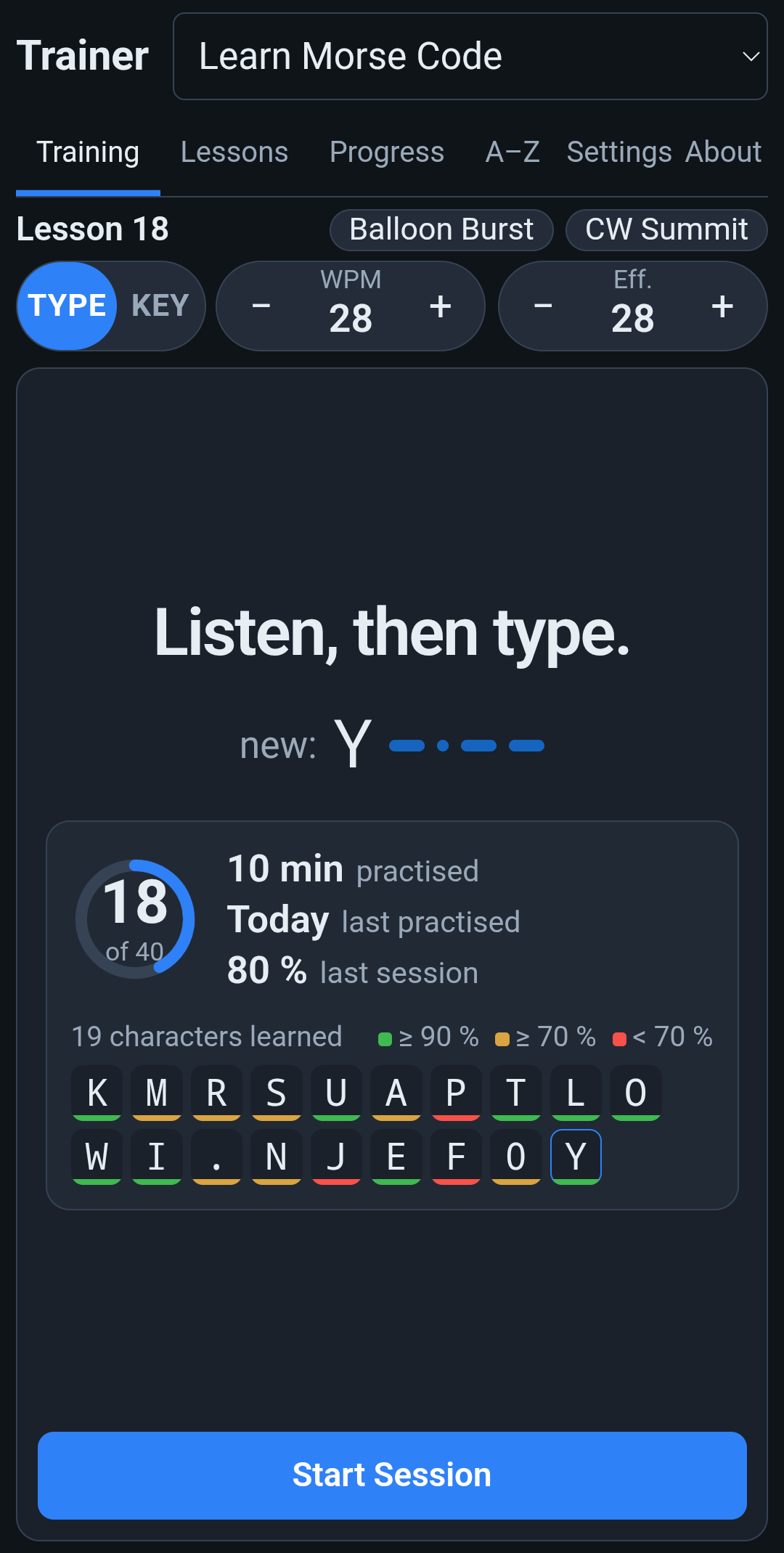
Start with a few characters.

Listen and type what you hear. Add more characters as you improve. The Koch method teaches you their sound; Farnsworth spacing gives you more time to answer. If you do not have a key yet, use the touchscreen as a straight key.

  • Koch lessons
  • Adjust speed and spacing
02

ADVANCED PRACTICE

Work on your weak spots.

Characters, groups, German and English words or callsigns: practice receiving and sending at your chosen speed. Mistakes and difficult characters help you decide what to practice next.

  • Receive & send
  • Separate practice profile
03

MORSE DECODER

See what you send.

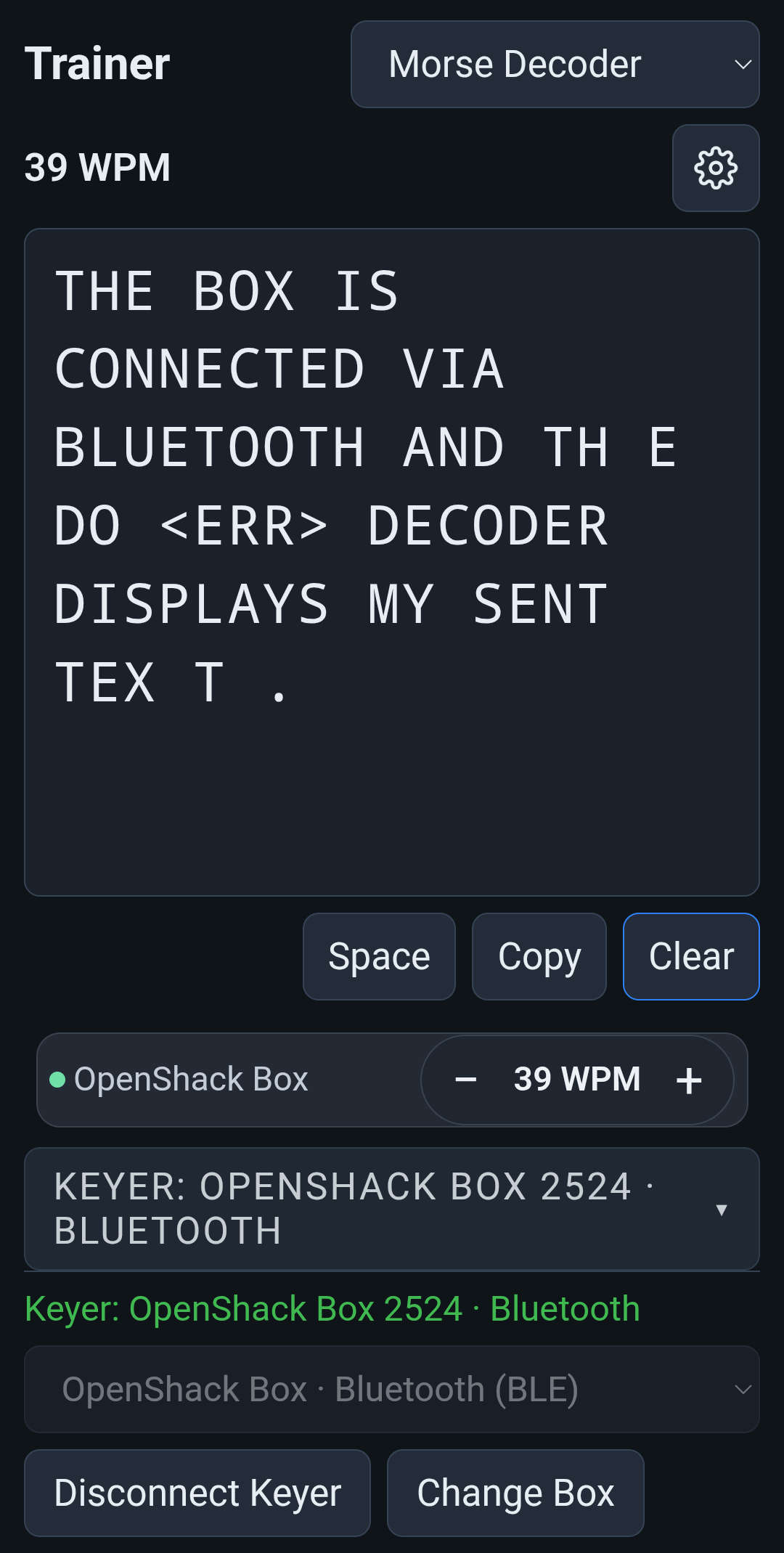
Key with the screen key, or connect your own paddle or straight key through an OpenShack Box. What you send appears as text, including prosigns such as <AR> and <KN>, and <ERR> for six or more dots. Allow uneven timing helps while your spacing still varies.

  • Android
  • Prosigns and <ERR>
04

MORSE SENDER

Hear any text in Morse.

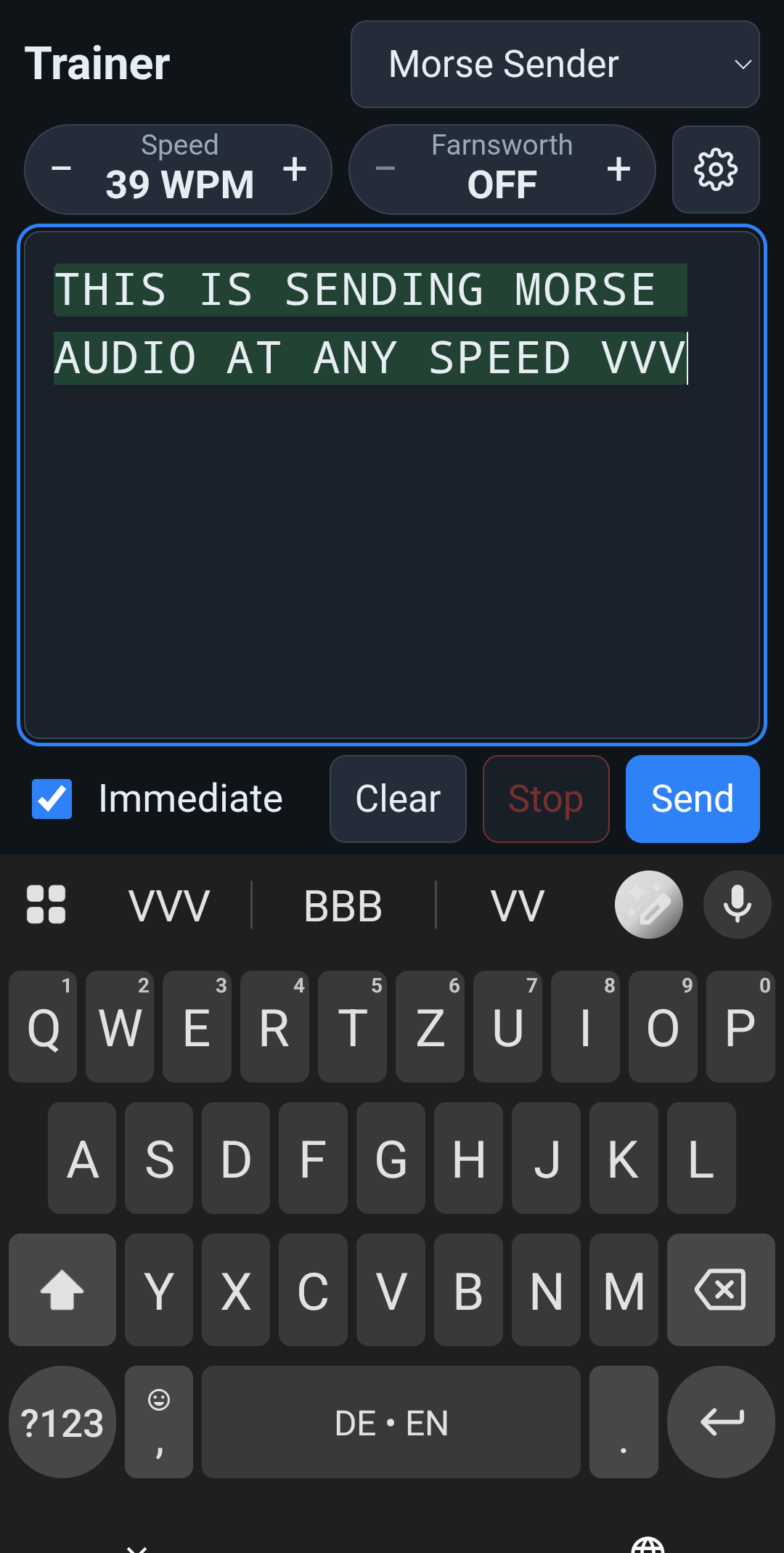
Type or paste text and hear it as Morse at 5 to 100 WPM, with optional Farnsworth spacing. With Immediate on, each character plays as you type. Sent text is highlighted and scrolls along.

  • Android
  • Speed and Farnsworth
05

MORSECHAT

Share your CW with others.

Meet a friend or your CW class in a room. Type a message or send with the screen key. Invite others by link; they can join in a browser too. MorseChat needs internet access.

  • Share a room link
  • No radio needed

Visual keying analysis

Your sending.
Character by character.

After sending practice, see how you actually keyed each character. The visual analysis places “Ideal” and “Yours” directly above and below each other: your dots, dashes and gaps alongside the reference pattern, with their measured lengths.

A dash too short? A gap within a character too long? Highlighted differences show where your rhythm needs work.

Tap a dot, dash or gap to see its duration in milliseconds. Swipe through the characters and groups you sent and examine your keying in detail.

Keying analysis of R: Ideal and Yours with measured lengths for dots, dash and gaps
Real example using the touchscreen as a straight key: the dash in R lasts 4.4 dot lengths instead of 3.

Compatible with the OpenShack Box
Connect the OpenShack Box via Bluetooth to analyse your keying with sub-millisecond timing resolution. Timing is captured directly in the Box.

Your practice, ready to go.

Pick up your phone.
Practice some CW.

The Trainer lives on your device as an app. No radio or Box is needed for a practice session.

01

Practice offline

Koch lessons and Advanced Practice work without an internet connection, and so do Morse Decoder and Morse Sender on Android.

02

Pick up where you left off

Your progress and settings stay on your device. Export and import profiles to keep a backup.

03

Practice sending too

Use the screen key. An optional, separately sold OpenShack Box connects your own paddle or straight key.

A change of pace

What would you like to practice?

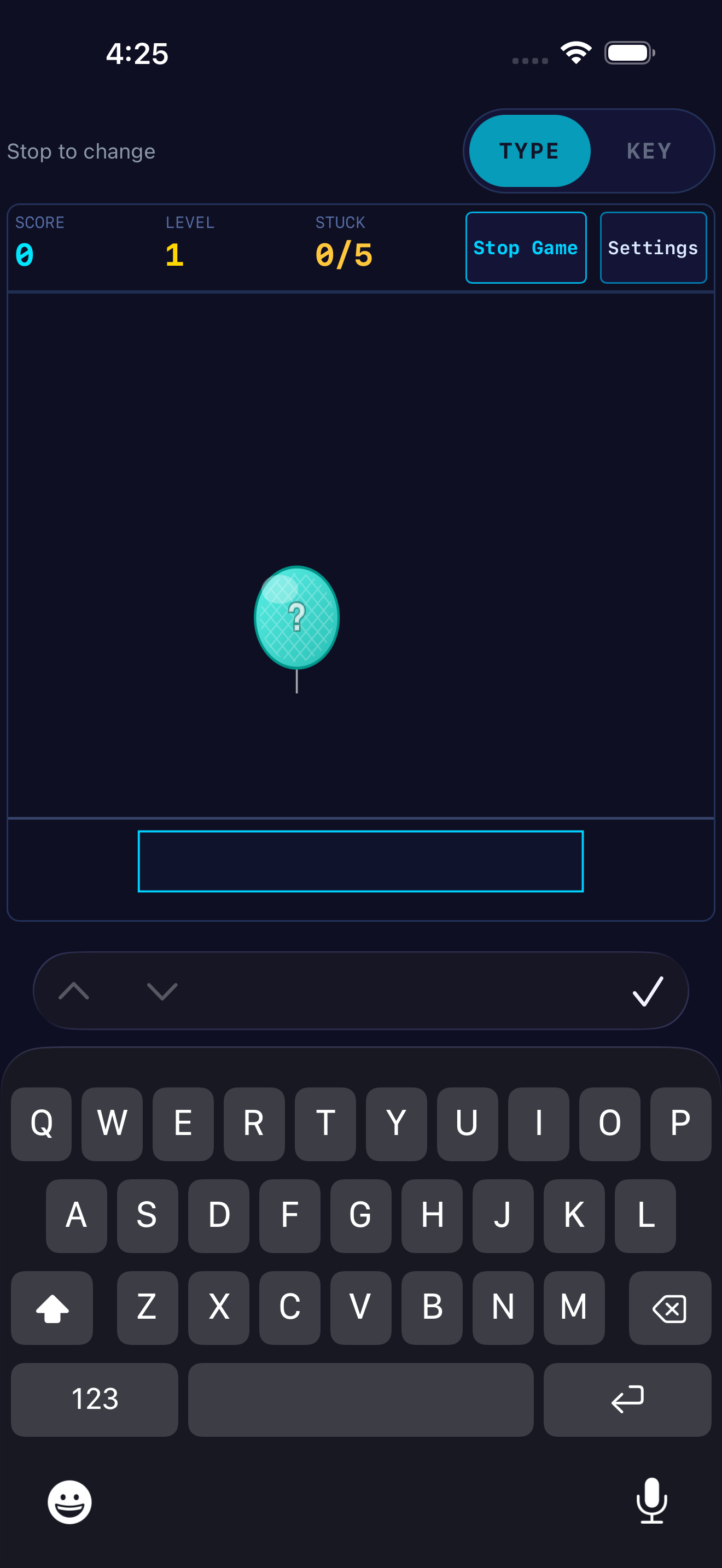
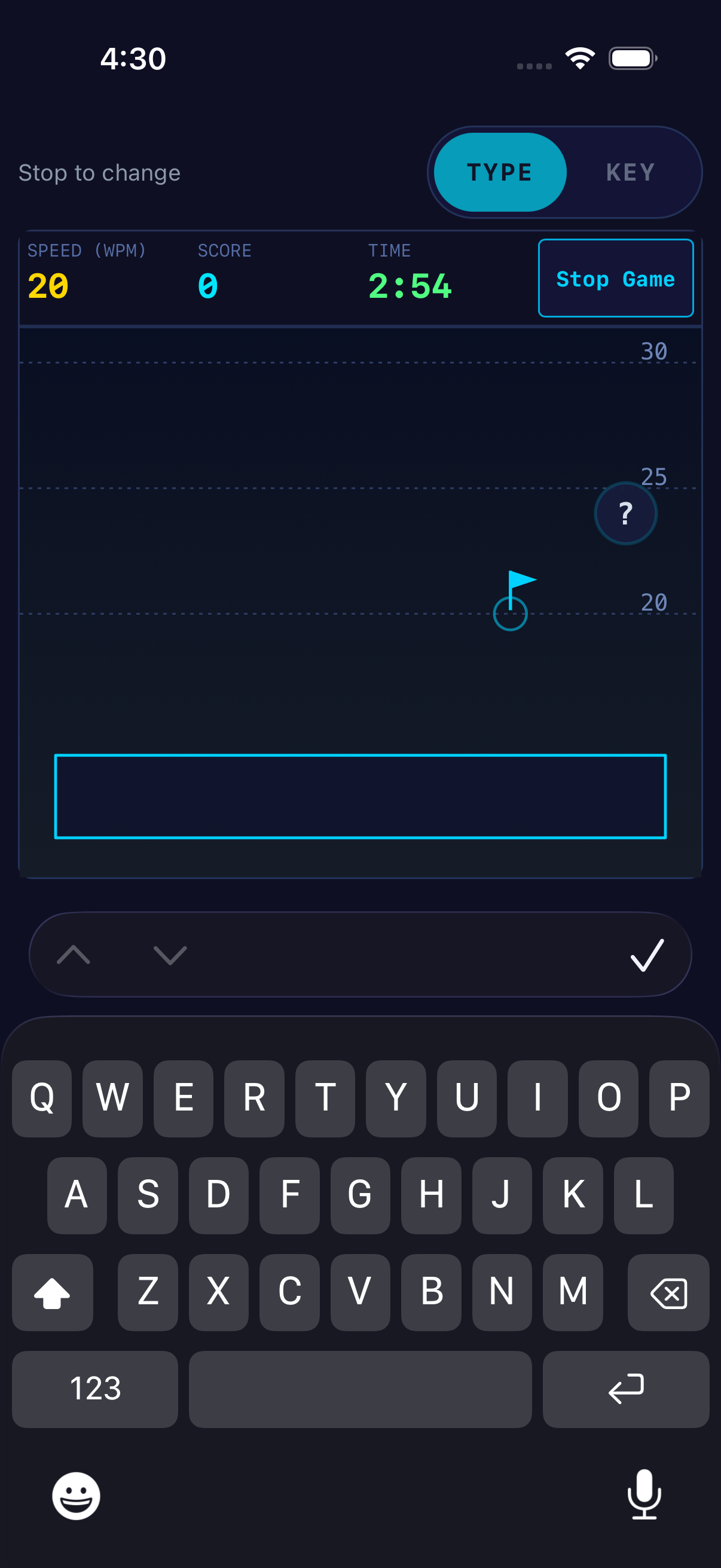
Morse Trainer is your starting point. These four standalone apps each focus on a different skill. Each app is purchased separately.

Original iPhone app captures from the iOS simulator, 2 November 2026. Layouts on Android and iPad may differ.

Good to know

Before your first session.

Which app should a beginner choose?

Start with Morse Trainer. In Learn Morse Code, begin with a few characters and expand your character set step by step. Advanced Practice, MorseChat and, on Android, Morse Decoder and Morse Sender are included in the same purchase.

Do I need a Box, paddle or radio?

No extra hardware is needed for listening practice or the screen key. An optional OpenShack Box connects your own paddle or straight key. Android supports USB, Bluetooth LE and Network Box; iPhone and iPad support Bluetooth LE and Network Box. Compatible Box firmware is required. Pileup does not support Box input.

Is there a subscription or another required purchase?

Each CW app is a separate one-time purchase in its store, with no subscription. Morse Trainer includes lessons, Advanced Practice and MorseChat, and on Android also Morse Decoder and Morse Sender. The Box, Windows license and purchases for another store system are separate. Check the current price in your store before buying.

Can I practice without internet?

Yes. CW practice runs locally. MorseChat, online leaderboards and Network Box require a network connection. Listening practice needs no OpenShack account.

Which language do the apps use?

The app interface is in English. This website and the store descriptions are available in English and German.

Can I try Morse Trainer before buying?

Yes. The browser version at cw.openshack.com is free. Explore the method and exercises before you buy the app.

OpenShack Morse Trainer

Your next character
is waiting.

Learn, practice and share Morse with others. All in one app.

One-time purchase · No subscription · No ads