OpenShack Remote
Your station. Wherever you are.
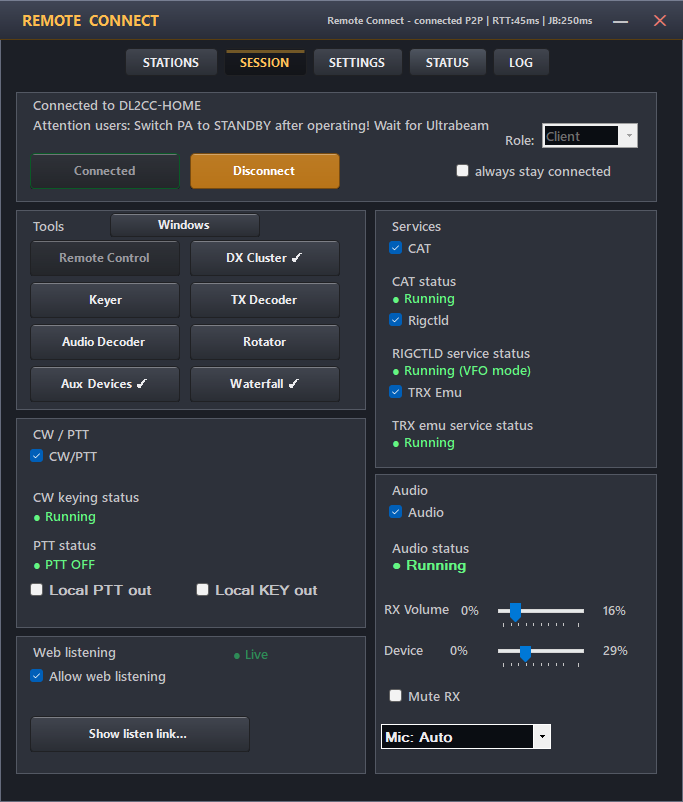
Travel light. Bring the whole station: receive and transmit audio, radio control, PTT, footswitch, real CW timing, logger compatibility, waterfall, cluster and station controls.

Not a remote desktop with a radio behind it.
OpenShack puts the radio controls, audio and CW timing on the client PC in front of you. Your logger and digital-mode programs connect through local virtual COM ports and audio devices.
You operate the station directly instead of trying to drive a remote Windows desktop. Once OpenShack is set up, the same screen and tools are waiting for you wherever you log in.
See how host and client work together →
The same setup wherever you operate.
Keep the station entirely private, or later give trusted operators and club members access. OpenShack works the same way for everyone you authorize.
Your tools go with you.
Use the same OpenShack screen from the garden, a holiday apartment, another town or another country.
Share only when you want to.
Let selected operators listen, learn or operate the station. You decide who gets access.
The tools you use on the air.
OpenShack handles the connection in the background. In front of you are the controls and programs you use to make QSOs.
Hear and transmit
Receive and transmit audio with monitoring, quality choices and Box audio options.
Control the rig
CAT, rigctld and TS-2000 emulation keep loggers and station software connected.
Keep the timing
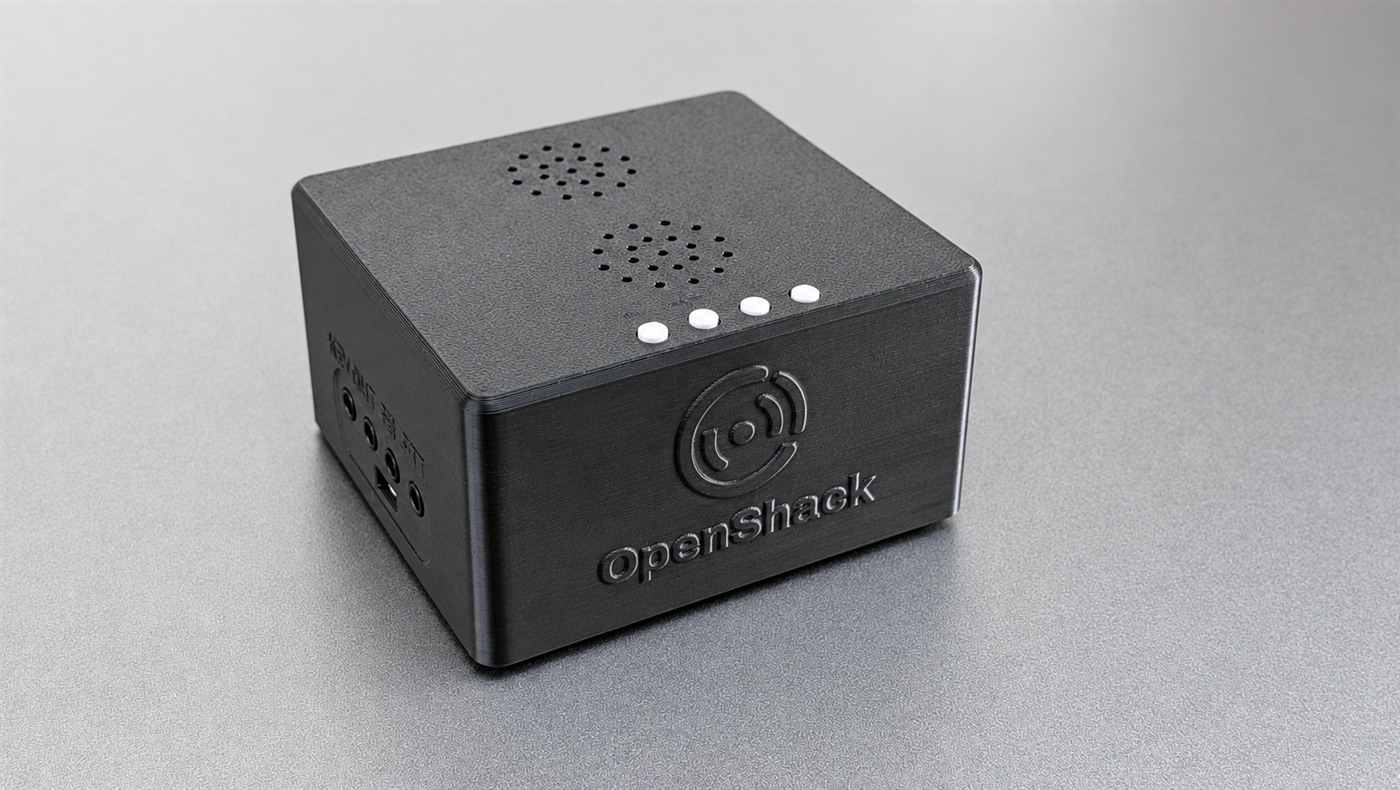
A host Box gives the radio a dedicated hardware CW/PTT path. Add an optional client Box for the ultimate paddle, immediate-sidetone and footswitch experience.
Run digital modes
Virtual COM ports and virtual audio connect WSJT-X, MSHV and other tools.

Reach the station
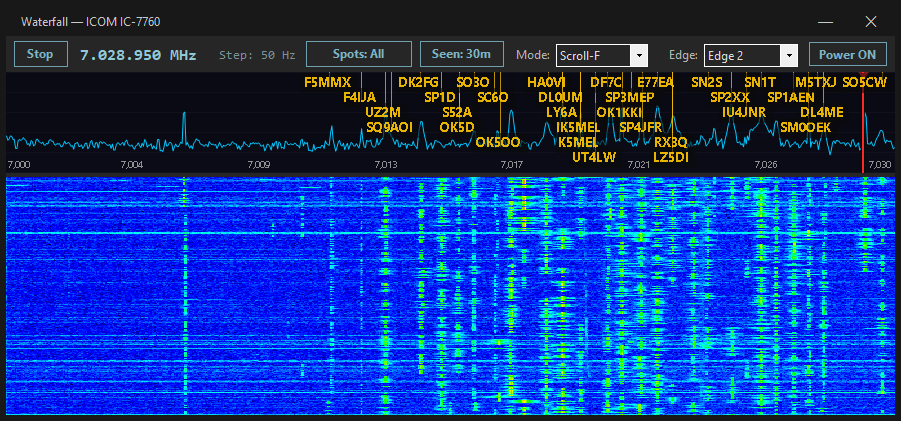
Waterfall, cluster, rotator, amplifiers, tuners, antenna controls and URL switchers.
See who is using the station
See who is operating or listening and take turns at a shared station.
The whole station—or just the missing CW link.
OpenShack Remote brings the complete station to your client PC. If you already have remote audio and radio control, CW Link adds the CW and PTT path.
OpenShack Remote
Audio, radio control, CW/PTT, logging, digital modes and station tools in one client.
See the complete station →CW Link
Keep your existing remote system. Add a paddle or logger, immediate local sidetone and physical PTT.
Find your CW Link →Box-to-Box
One Box beside you and one beside the radio. Configure them once; CW timing and PTT then run between the Boxes.
See Box-to-Box →The software is yours. The connection service is annual.
I know—nobody loves another subscription. I don't either. But the data centers that keep Remote Host Connect available bill us every month. A one-time fee cannot honestly fund an always-running service forever. I will keep the renewal price as low as I responsibly can.
OpenShack Remote
The host PC and every client PC need a normal Remote license. These software licenses do not expire.
Remote Host Connect
The first year is included. After that, one annual RHC renewal keeps the host station reachable through the OpenShack connection and relay service. Clients never need a separate RHC subscription.
Travel light. Bring the whole station.
Start with your own station. If you choose, you can later let several operators share it or allow others to listen over the Internet.