
DX Arena
Your first CW QSO, without the nerves. The other station lives in your PC, sends at your speed and lets you finish. Missed something? Just send AGN. Once the QSOs feel easy, move on to pile-ups and contests.
No license key needed. DX Arena comes as a free part of the CW Suite in OpenShack for Windows. Install, start, call CQ. With the OpenShack Box you send on your own paddle or straight key. From the second start on, a short note about the Box and the CW Suite pops up once per session; one click and it's gone. With a CW Suite license the note goes away and you get all the other trainers too.
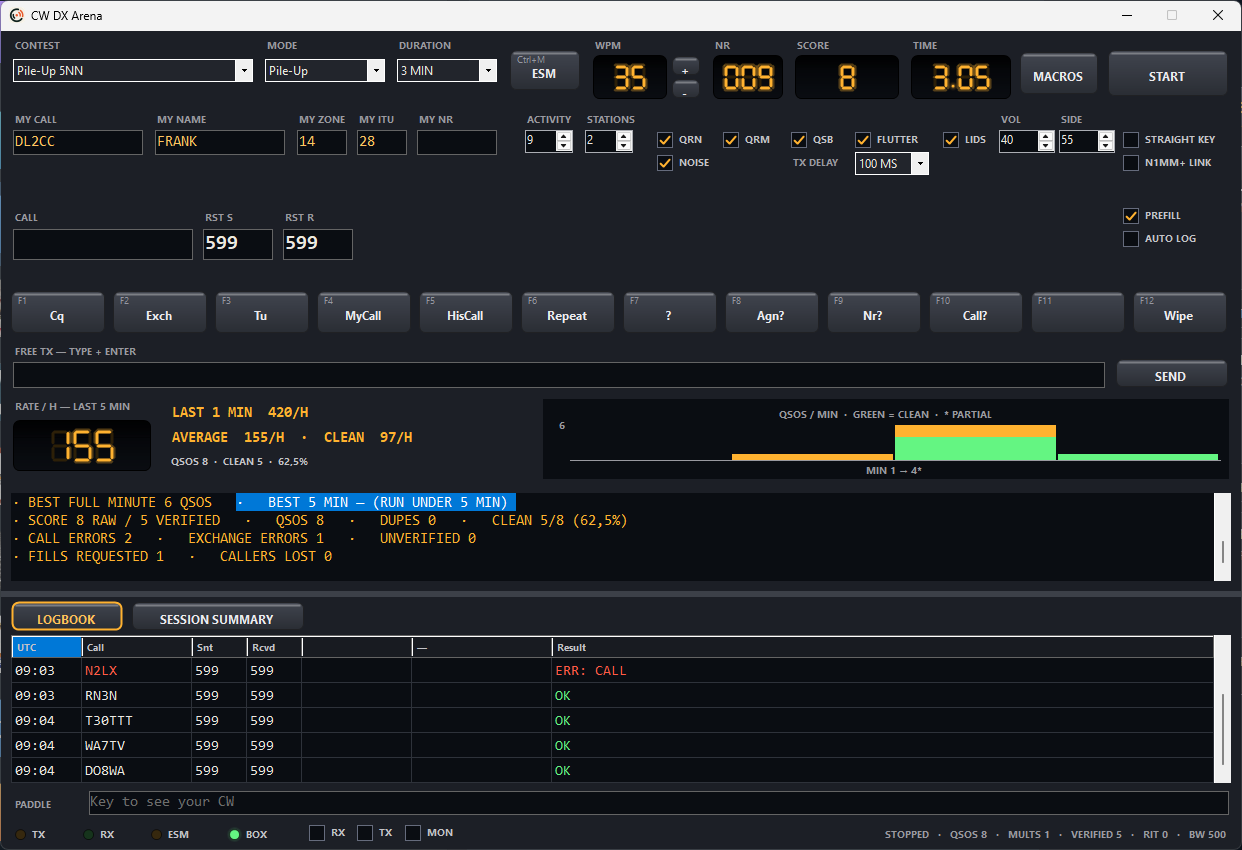
What the Arena does.
QSOs first, pile-ups and contests later. Add QRN, QRM and QSB when you're ready.
QSO practice
First QSO, standard QSO with name and QTH, ragchew, SOTA and POTA. You call CQ or answer one. The other station reacts to what you actually send.
Manual: learn to QSO ->Reading along is OK
Early on you may peek: RX shows what the other station sends. Switch it off once you copy by ear.
Manual: aids ->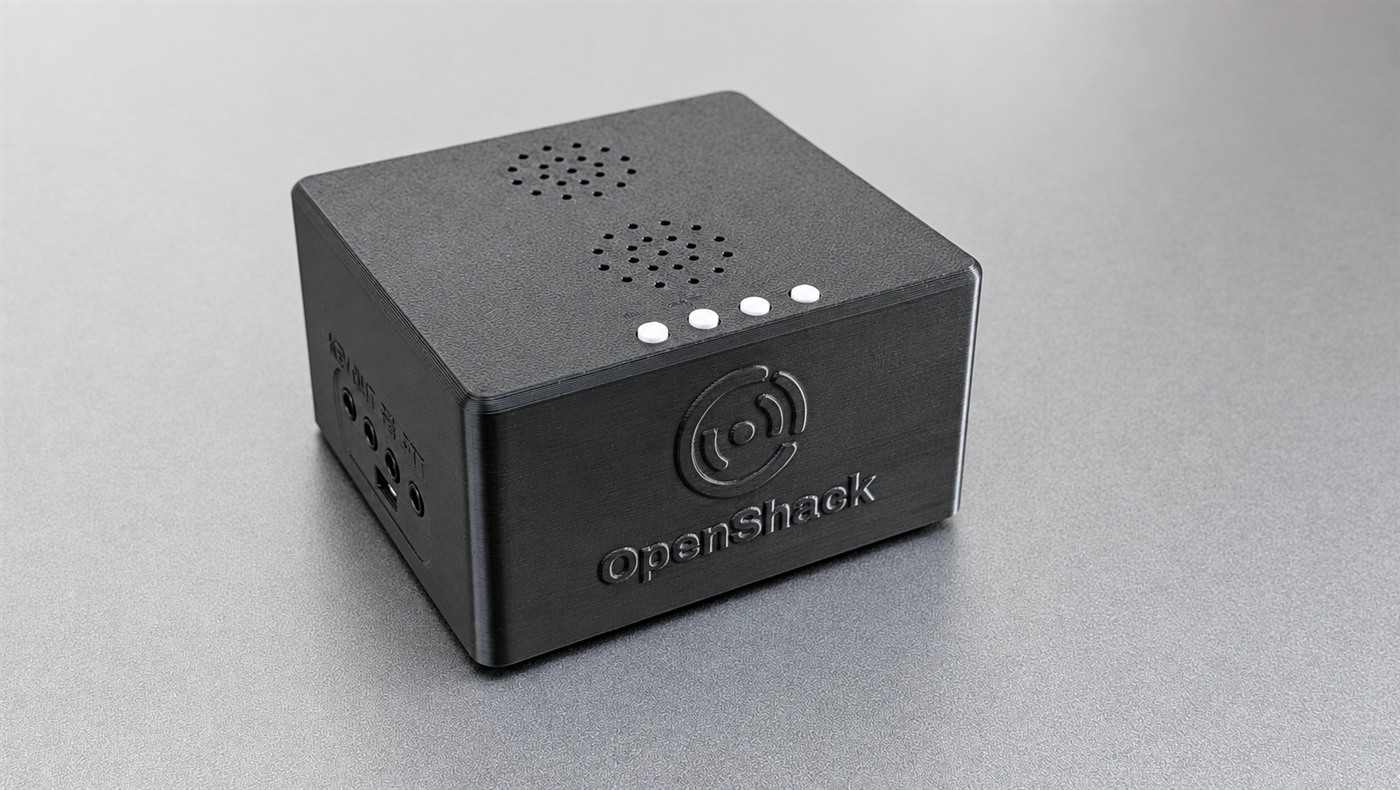
With your paddle
With the OpenShack Box you send on your paddle or straight key, sidetone from the Box. The PADDLE line shows what the Arena read from your sending.
Explore the Box ->
After the run
After every run: what went well, what didn't, and a suggestion for the next step. In contests also score, rate, dupes and busted calls.
Manual: results ->Pile-ups and contests
Once the QSOs feel easy: pile-ups with several callers, plus CQ WW, CQ WPX, IARU HF, ARRL DX, WAG, CWT, FOC and more, each with the right exchange.
Manual: contests ->Keyboard, ESM and macros
F1 CQ, F2 Exch, F3 TU, Enter Sends Message. Same layout as N1MM+, so your fingers learn the right moves.
Manual: keyboard and ESM ->