Remote World connects even when the network says no.
Work your station across IPv4 and IPv6 networks, including restricted or mobile connections. Remote World automatically selects a suitable route while audio, CAT, PTT, footswitch, logger ports, digital audio, and real CW timing stay together.
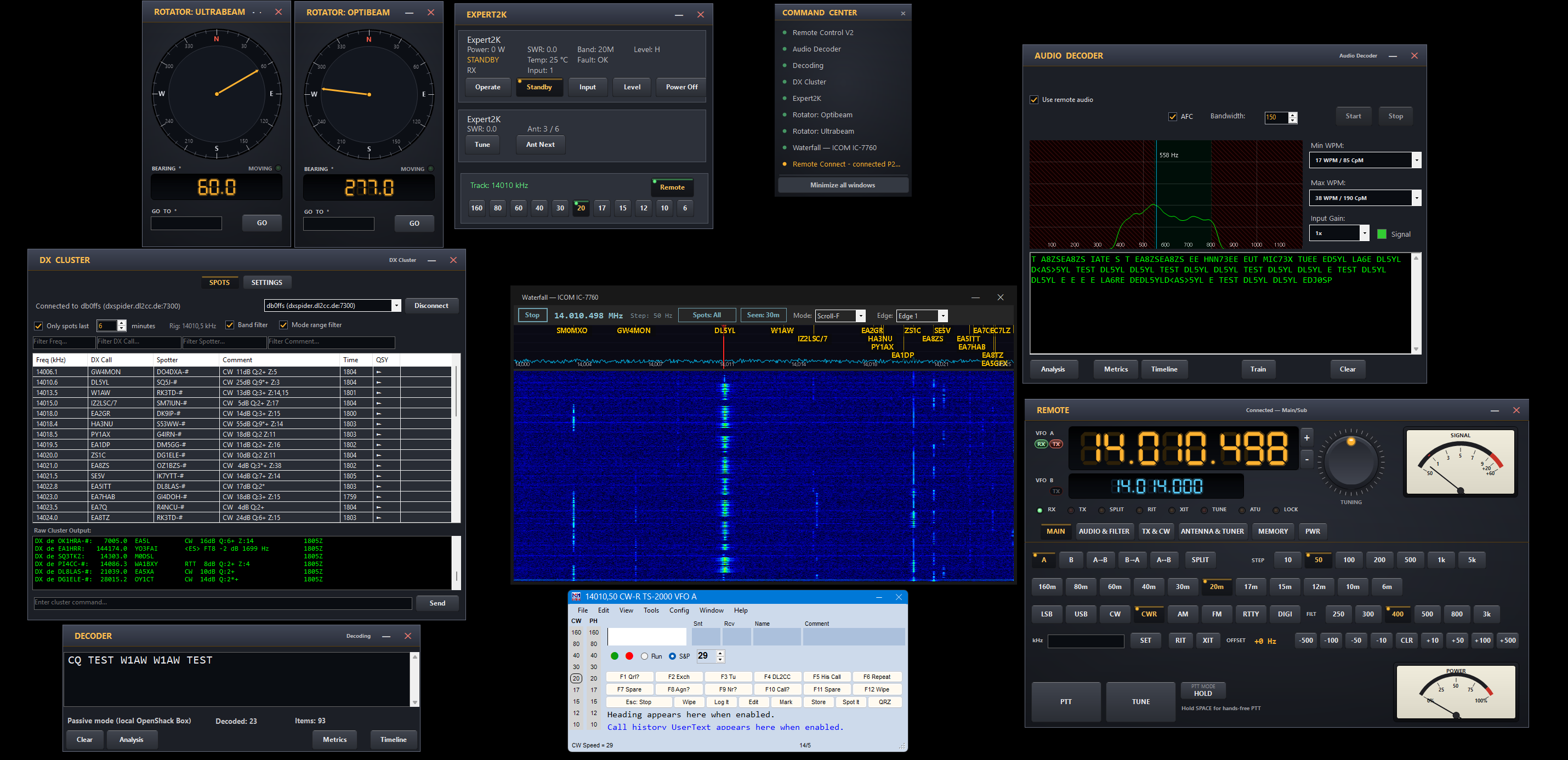
The remote solution that always finds a way.
Remote World works across common IPv4 and IPv6 network environments. Where a straightforward connection is unavailable, professionally operated infrastructure helps the two stations connect without turning setup into a router project.
Fastest route automatically chosen
LAN, VPN, home broadband, mobile access, or managed connectivity: Remote World chooses a practical path automatically.
Real keying for real operators
Use paddles, a footswitch, or your logger. WinKey compatibility, synchronized PTT, and local sidetone keep CW from feeling like remote text entry.
Made for shared stations
See who is online, know when the station is in use, and listen to traffic even while another operator is using the remote position.
Need better CW for an existing remote setup?
CW Link is the focused Remote World path for moving CW keying and PTT between two stations: Box pairs, logger WinKey workflows, and FlexRadio control. It is the add-on when your existing remote solution works, but CW does not feel right yet.
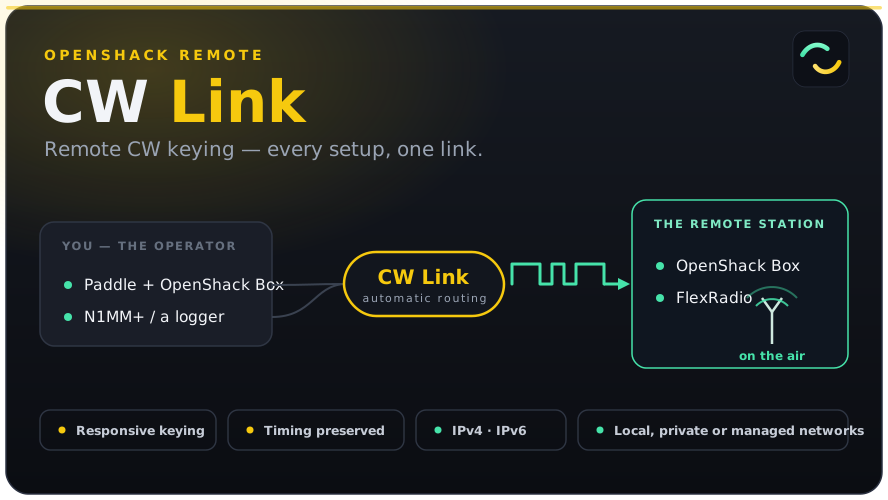
Choose the Remote World path you need.
Use OpenShack Remote for the whole station, add CW/PTT to an existing remote system, or key a FlexRadio with a real paddle.
Operate Remote
The complete Windows host/client workflow: audio, CAT, PTT, CW, logger compatibility, virtual ports, digital audio, waterfall, DX cluster, and station tools.
Use the app ->CW Link
For stations where audio/control already exists, but CW needs paddles, WinKey, PTT, dependable connectivity, and proper timing.
Choose CW path ->Flex Keyer
Keep the Box, sidetone, paddle and footswitch beside you while keying a reachable FlexRadio over the network.
Key a Flex ->Everything around the radio.
Remote World is broader than screen sharing or basic remote keying: it gives the operator a complete station surface that still works with the software they already use.
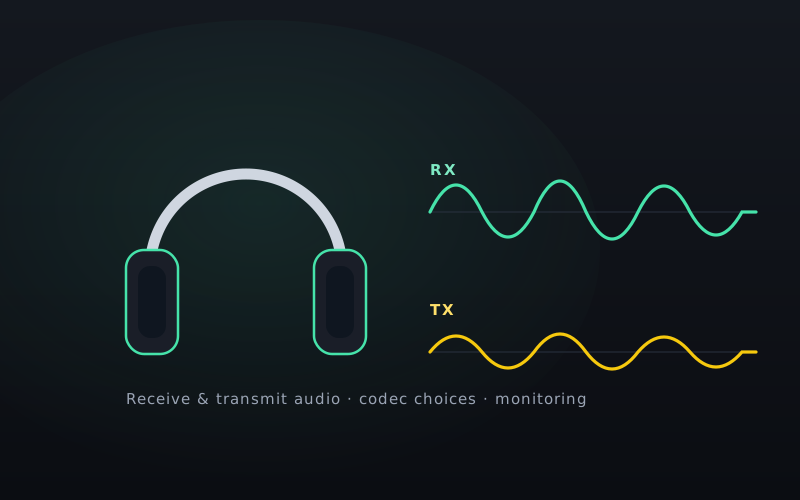
Station audio
Remote audio for receive and transmit, with quality choices, monitoring, binaural CW, and Box monitor options.
Manual: audio workflow ->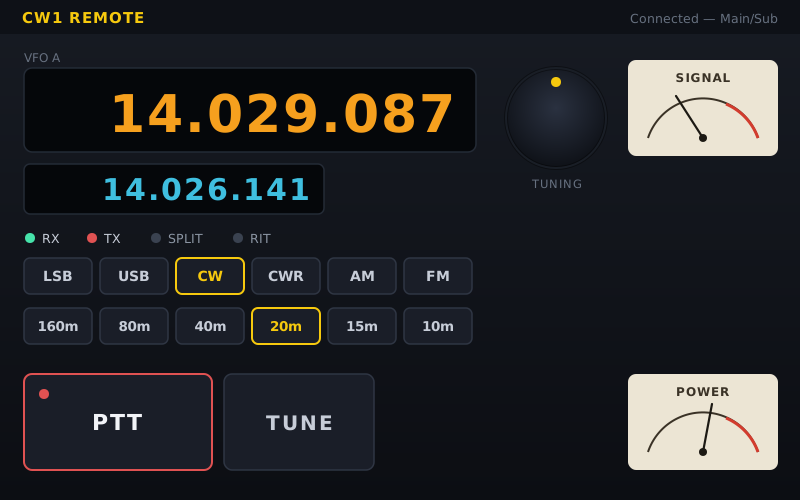
Rig control
CAT, rigctld, TS-2000 emulation, virtual COM ports, and logger integration for software that expects a local radio.
Manual: rig control ->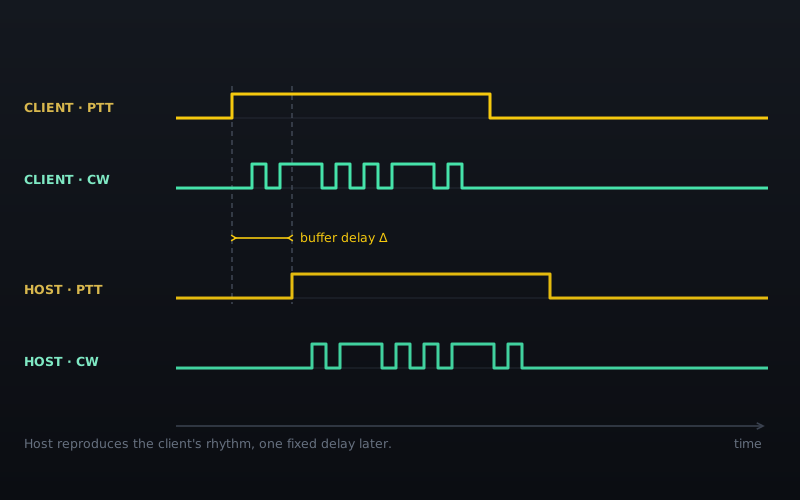
PTT and CW
Hardware or CAT PTT paths, CW edge transport, local Box support, and a software WinKey emulator for clients without a Box.
Manual: CW and PTT ->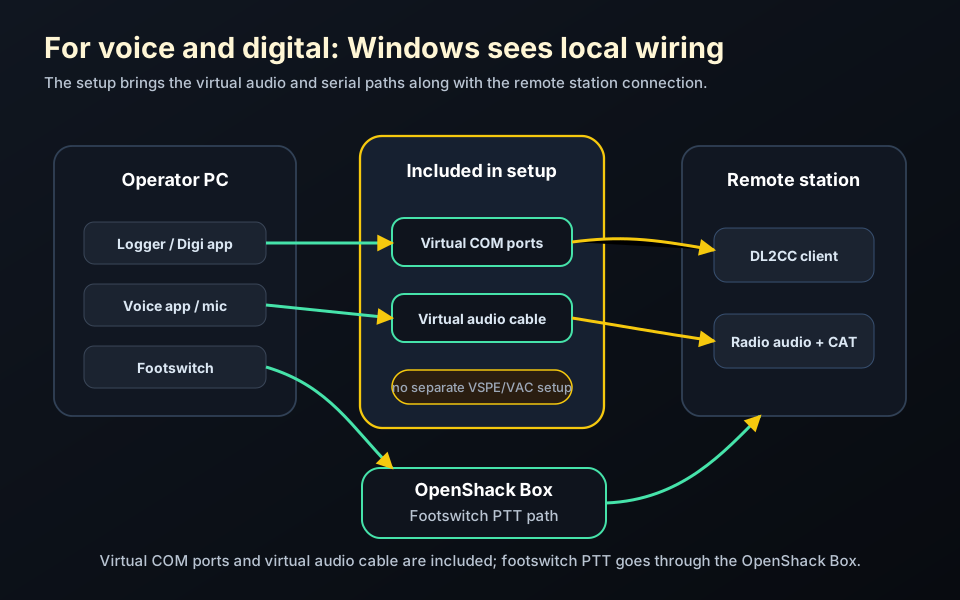
Digital modes ready
Virtual Audio Cable and Virtual COM ports are included, so WSJT-X, MSHV, contest software, and logger tools can talk to the remote station like local hardware.
Manual: digital setup ->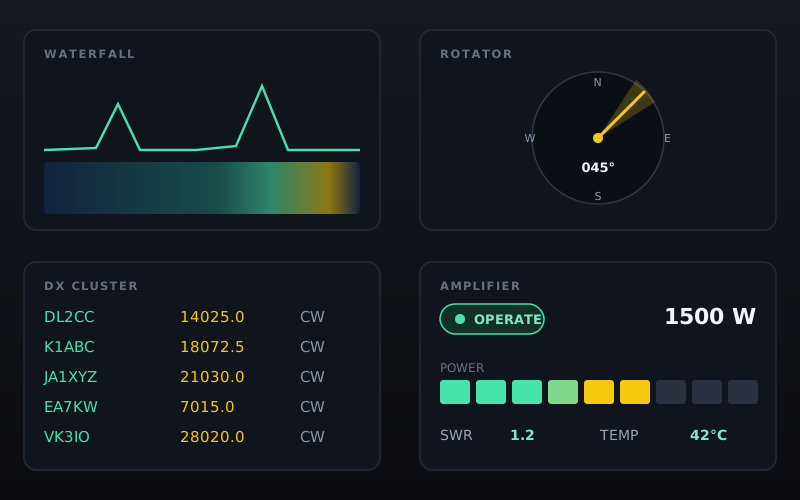
Station tools
DX cluster, waterfall, rotator control, amplifiers, tuners, antenna controllers, URL switchers, logs, and optional use beside your existing station software.
Manual: station tools ->Remote options.
Choose the Remote license, a Box bundle, or Host Connect renewal for an existing host.